- Introduction
- Technical information
- Getting Started
- Description of functionality
- Screen Guides
- Cashflow Guides
- Budgeting and Forecasting
- Company Group Consolidation
P&L report by Department
The Profit and Loss by Department functionality enables you to create Profit and Loss reports for departments.
Through ProudNumbers, departments are uploaded from Sage 50.
To create Management reports by department,
go to Clients folder/Departmental/Divisional Analysis/New
Click the Departments button.
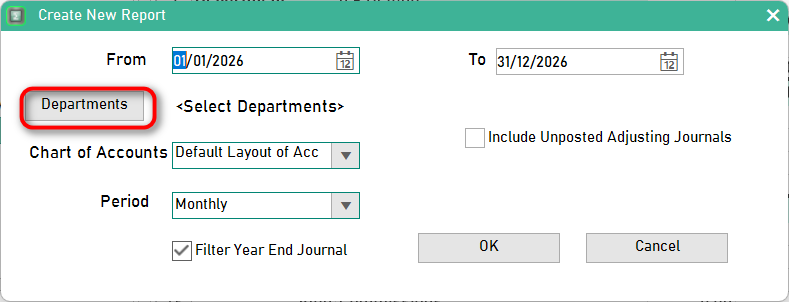
Choose departments that should be included in the report, ticking the 'included' box and click OK
Set Report Criteria
ProudNumbers screen to choose date range, chart of accounts, and reporting period for divisional management reports
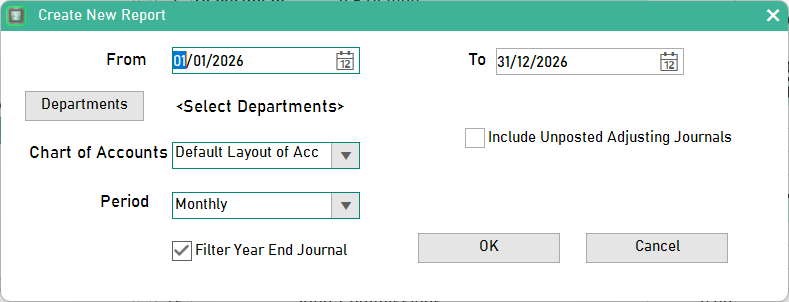
Choose:
- Date range
- Chart of Accounts
- Period
- Any other relevant criteria
- Click [OK]
Your Profit & Loss report will be generated, reflecting the Departments as selected.
ProudNumbers report showing financial results by department, and entire company.