- Introduction
- Technical information
- Getting Started
- Description of functionality
- Screen Guides
- Cashflow Guides
- Budgeting and Forecasting
- Company Group Consolidation
Management Accounts: Report Sheet Functions
Report Sheet Functions offer a range of tools to efficiently manage and customise your report layout. These include options to sort, group, and reorder columns, adjust column and row widths, and utilise the Freeze Panes feature for improved navigation and data presentation.
Column functionality
Quick guide
- Sort column by clicking on the column header.
- Left click and drag : a column to the area above the title bar to group whole by the selected column. Return by reverse procedure.
- Move a column title to re arrange column order.
- Right click for editing options : row or column or cell Layout is flexible, see below.
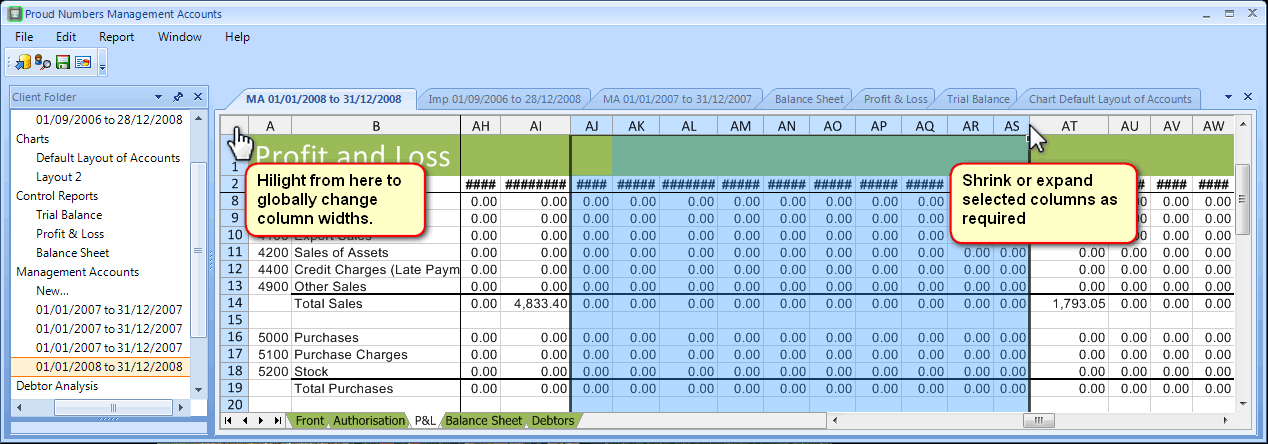
Column & Row width control
Add text

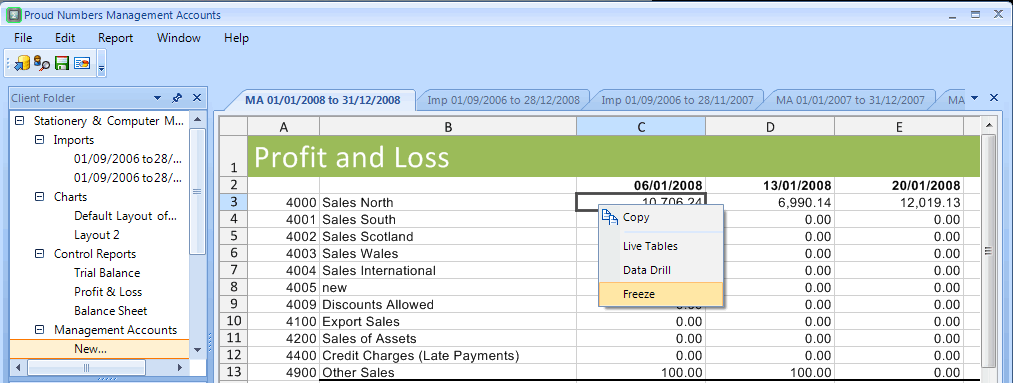
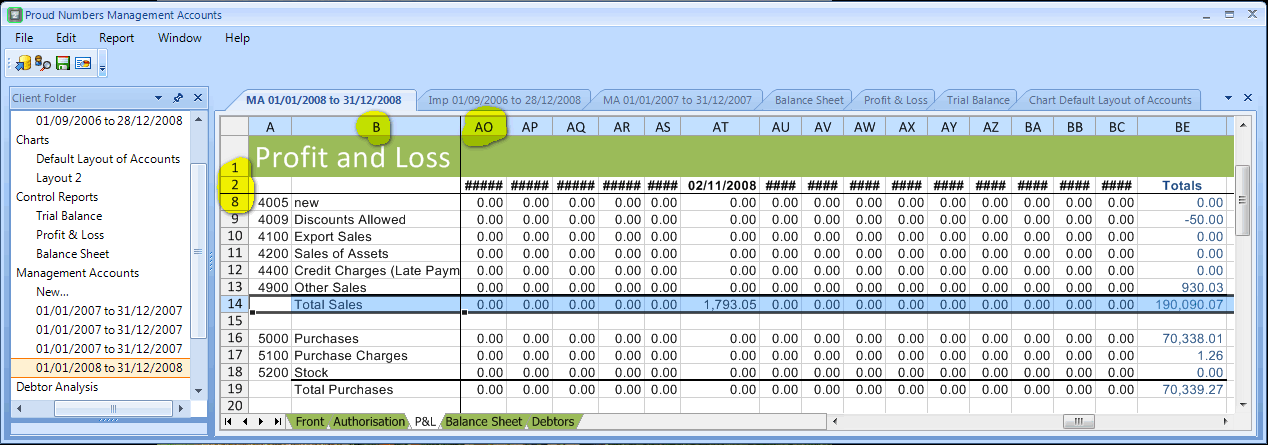
Freeze Panes